
Crop Video
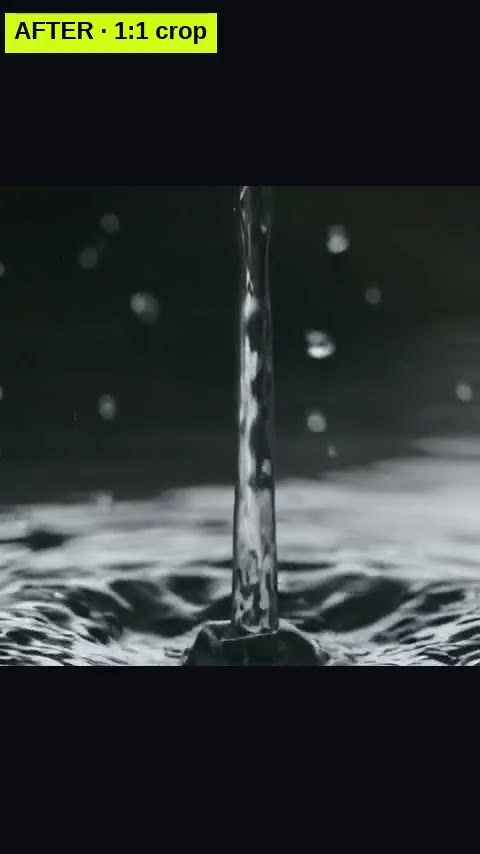
Cut the frame to 9:16, 1:1, 4:5 or 16:9.
Upload a video and crop its frame to vertical 9:16 for TikTok, Reels and Shorts, a 1:1 square, 4:5 for the Instagram feed or 16:9, keeping the middle or one side. The crop is never enlarged: it keeps your clip’s own resolution, up to 1080p. No AI, no credits; the sound is kept.
Free to start. No card needed.
How it works
Describe it
Type your idea in a sentence, start from one of the ideas below, or upload the video you want to edit.
ASMRIFY makes it
The generator renders your clip or story, or the edit tool applies your change to the file.
Download and post
Get a vertical video ready for TikTok, Reels and Shorts.
Questions
Does this use AI to generate anything?
No — crops a video you already have. Nothing is generated; the file you upload is what comes back out, edited.
Does it cost credits?
No credits and no watermark — editing tools are free for every signed-in account, on any plan.
What can I upload?
An MP4, MOV or WebM file from your device, up to the site's upload size limit. The edited file is yours to download; nothing is posted publicly.
What is the difference between Crop Video and Resize Video?
Crop Video cuts the frame to the shape you pick at your clip’s own resolution and never enlarges it. Resize Video scales the clip to a standard platform size such as 1080×1920 and can keep the whole picture over a blurred background instead of cutting it.
More tools like this
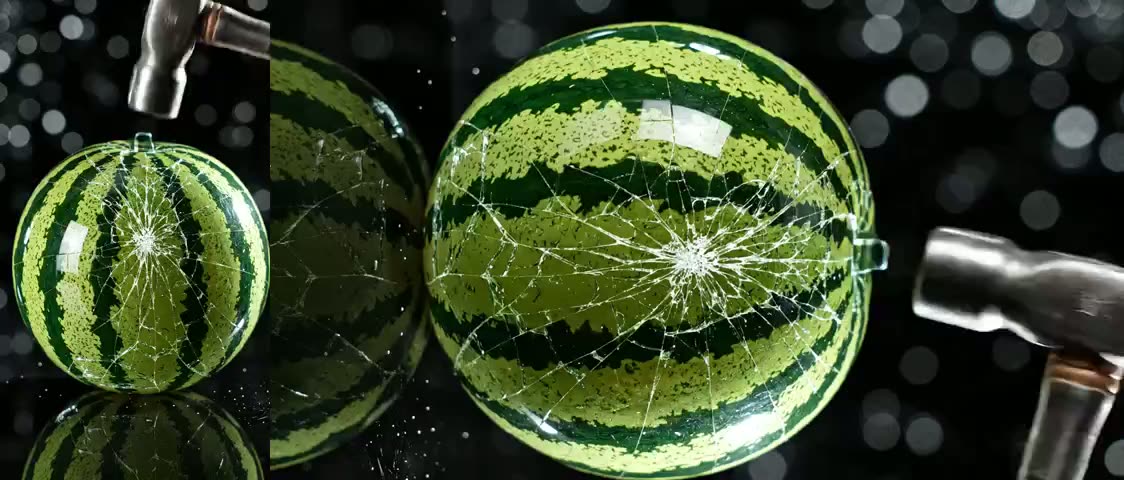
Rotate Video
Fix a sideways or upside-down clip in one click.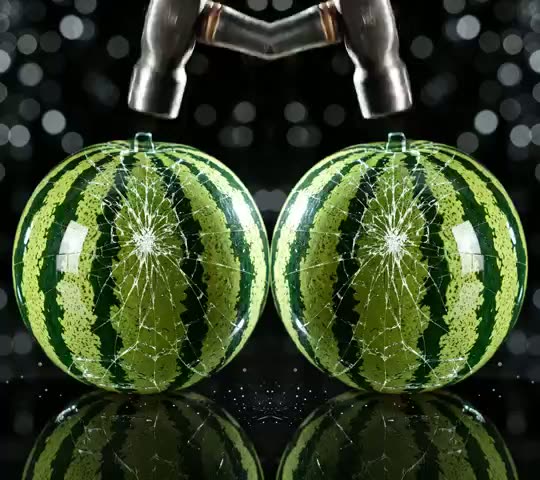
Flip Video
Mirror a clip horizontally or vertically.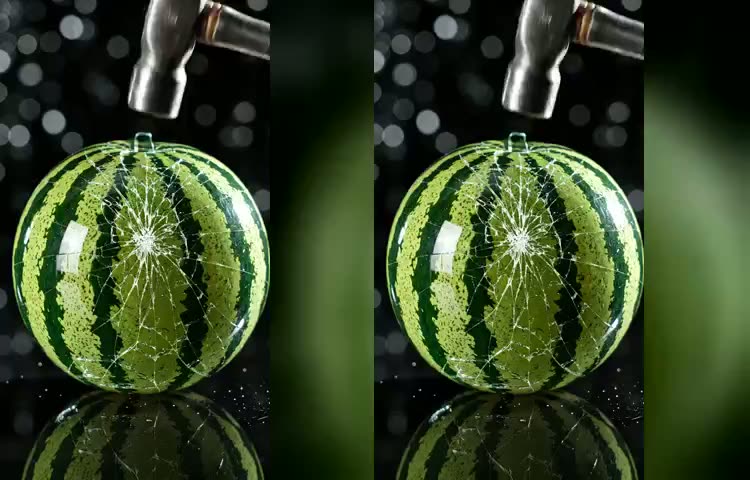
Resize Video
Fit a clip to TikTok, Reels, Shorts or a square post.
Loop Video
Repeat a short clip to fill a longer runtime.
Increase Video Volume
Turn a quiet clip up — or mute it entirely.
Add Text to Video
Overlay a title, label or call-to-action on a clip.
Make your first one free
No card needed. Type the idea and ASMRIFY does the rest.