
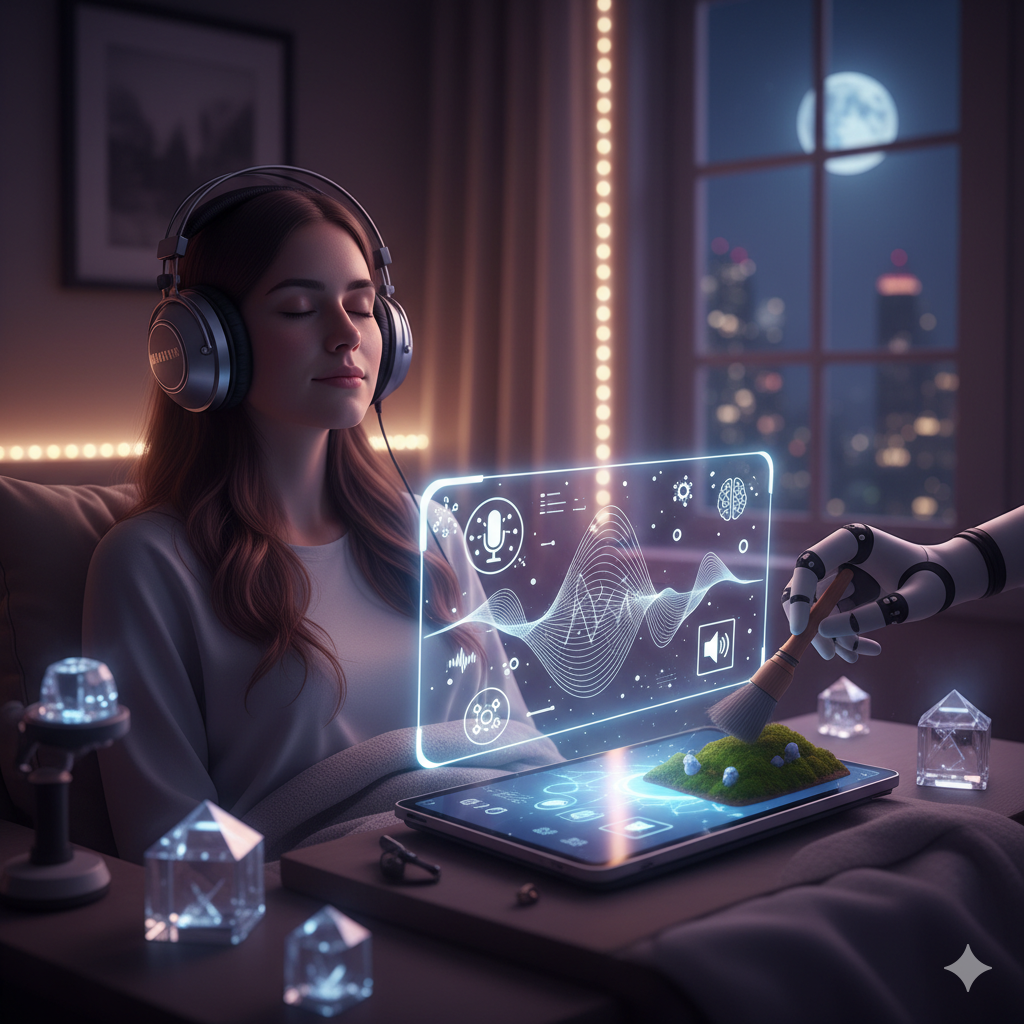
How to Make an AI Music Video for Your Own Song
🧑⚕️ Author Bio
The ASMRIFY team builds the AI video and editing tools on asmrify.com. We write these guides from what the product does today, name the models we use, and say plainly what it does not do.
🧭 Introduction
Turn your track into a music video: a free waveform visualizer, or an AI visual loop under your song, step by step, with what each method cannot do.
📑 Table of Contents
You can make a music video for your own song with AI in three ways: a visualizer that animates your track's waveform, an AI visual loop that plays under your song, or a dedicated tool that cuts visuals to the beat or shows lyrics. The first two work today on ASMRIFY, free or on a plan; the third is a different kind of tool. Be clear about the limits before you start: ASMRIFY makes no music, does not sync cuts to the beat, makes no lyric videos and puts no singer on screen. You also need the rights to the song. Here is each method, step by step.
Three ways to make a music video with AI
| Method | What you get | Cost on ASMRIFY | Limits |
|---|---|---|---|
| Visualizer | Your track as a moving waveform or spectrum, vertical | Free with an account, no watermark | Up to 60 seconds |
| AI visual loop | An AI-generated scene looping under your song | The clip: free 4-second preview or a paid 8-second clip; looping and mixing are free | Up to 3 minutes per file |
| Beat-sync or lyric tools | Cuts timed to the beat, words on screen | Not offered on ASMRIFY | Depends on the tool |
Method 1: a visualizer in two minutes
The Music Visualizer turns an audio file into a vertical 9:16 video: an animated waveform or spectrum over a dark gradient, in lime or white, with an optional title. Upload an MP3, M4A or WAV of up to 10 MB and download an MP4 of up to 60 seconds. It is free for signed-in accounts, uses no credits and adds no watermark. It visualizes the track you upload; it does not generate music.
Use it for teasers, a hook from the chorus on Shorts or Reels, or to post a beat that has no visuals yet.
Method 2: an AI visual loop under your song
This is the "AI music video" most people mean: an atmospheric scene that matches the mood of the track and plays for its whole length. It takes four steps.
Step 1: Write a visual prompt that loops
A good music-video loop has one slow, continuous motion, no cuts, no performer and no text. For example: "Rain running down a window at night, a desk lamp glowing inside, blurred city lights behind the glass, the camera drifts slowly to the right." Build one part by part with the free AI video prompt generator.
Step 2: Generate the clip
Paste the prompt into Prompt to Video. On a paid plan it renders 8 seconds at 720p on Veo 3.1 Lite, with no watermark. The free tier makes a 4-second, 480p preview with a watermark, which is fine for testing the look.
Step 3: Loop it to the length of the song
Open Loop Video and repeat the clip 2 to 5 times; results can be up to 3 minutes. For a longer loop, run the result through Loop Video again. For example, an 8-second clip played 5 times gives 40 seconds, and that 40-second loop played 4 times gives 2 minutes 40 seconds. Clips with a slow, even motion loop most smoothly.
Step 4: Put your track under it
Open Add Music to Video, upload the loop and your track (MP3, M4A or WAV, up to 10 MB) and choose "Replace the original sound". Set the music volume. The track is trimmed to the video's length with a short fade-out at the end, so make the loop at least as long as the part of the song you want. Add the title and artist with Add Text to Video if you like, and use Resize Video for a 16:9 YouTube version.
Visual prompt ideas by genre
All of these are live-action scenes with slow, loopable motion:
- Lo-fi: a desk by a rainy window at night, a lamp glowing, steam rising from a mug, slow drift.
- Synthwave: tail lights on an empty coastal highway at dusk, neon reflections on wet asphalt, slow tracking shot.
- Ambient: fog rolling slowly over a pine forest at dawn, light rays through the trees.
- Trap and drill: slow-motion smoke swirling in deep red light around a chrome sphere.
- Acoustic and folk: sunlight through a kitchen window, dust floating in the beam, curtains moving in a breeze.
- House and techno: a mirror ball turning slowly, specks of light sweeping across a dark wall.
- Sleep and piano: waves rolling onto a moonlit beach, static wide shot.
A note on Spotify Canvas
Canvas is the short looping visual that replaces album art in the Spotify mobile app. Spotify for Artists asks for 3 to 8 seconds, vertical 9:16, between 720 and 1,080 pixels tall, as an MP4 or JPG, with no talking, singing or rapping, no rapid cuts or intense flashing, and no URLs or social handles. An 8-second clip matches the length and shape, but ASMRIFY's paid clips are 720 x 1280 pixels, taller than that range, so scale yours to fit before you upload. Check the current spec on Spotify for Artists first: it changes.
Rights, and what this method cannot do
- The song must be yours or licensed. Uploading someone else's track can get your video muted, blocked or claimed.
- No beat-sync. The loop does not react to the music. If you want cuts on every beat or lyrics on screen, you need a dedicated tool.
- No performer. ASMRIFY does not put a singer or a band on screen and does no lip-sync.
- No music generation. If you made the song with an AI music tool, YouTube requires a disclosure when AI-generated music is the main focus of the video.
FAQ
Can AI make a music video from my song?
Yes, as a visualizer or as an AI-generated visual loop under your track; on ASMRIFY both work, but nothing is synced to the beat and no singer appears on screen.
Is there a free AI music video generator without a watermark?
ASMRIFY's Music Visualizer, Loop Video and Add Music to Video are free with an account and add no watermark; only the AI clip itself is watermarked on the free tier.
Do I need the rights to the song?
Yes: use your own music or a track you have licensed, because platforms can mute, block or claim videos that use someone else's song.
How long can the music video be?
On ASMRIFY a visualizer runs up to 60 seconds and a looped AI video up to 3 minutes per file; YouTube Shorts accept up to 3 minutes.
Does it sync the visuals to the beat?
No: the AI loop plays at its own pace under your track, so choose slow, even motion that suits any tempo.
Related searches
- how to make an ai music video
- ai music video generator
- best free ai music video generator
- free ai music video generator without watermark
- music to video ai
Making something longer than a loop? Read how to make long AI videos.
👩💼 About the Author
🏢 About ASMRIFY
ASMRIFY is the leading platform for AI-powered ASMR content creation. We publish expert-reviewed articles about ASMR, relaxation techniques, and content creation best practices. Our editorial team consists of experienced ASMR creators, audio engineers, and technology specialists dedicated to providing accurate, helpful information to our community of creators and enthusiasts.
Similar Articles
How to Make an AI Video (2026): Step-by-Step Guide
Make an AI video from a sentence or a photo: write the prompt, pick a model, generate, then trim, caption and resize it for TikTok, Reels and Shorts.

How to Make Long AI Videos (1 to 5 Minutes)
AI models make 4 to 30-second shots. How to turn them into 1 to 5-minute videos: plan scenes, keep the cast close to its look, then join and loop clips.
How to Make AI ASMR Videos: Step-by-Step (2026)
Make AI ASMR videos without a mic or camera: pick a trigger, write the prompt, generate with sound, then loop and post. Real prompts and free options.