
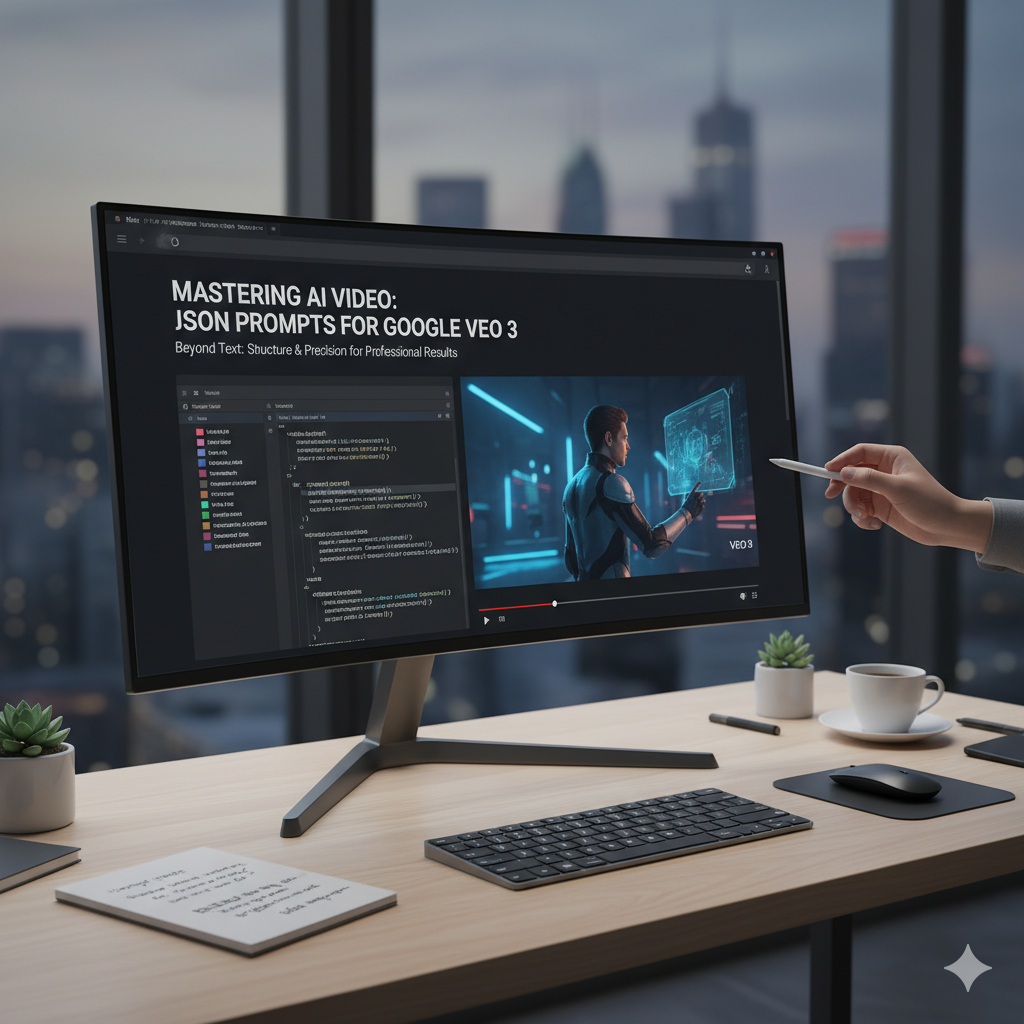
Veo 3.1 JSON Prompts: Templates That Work (2026)
🧑⚕️ Author Bio
The ASMRIFY team builds the AI video and editing tools on asmrify.com. We write these guides from what the product does today, name the models we use, and say plainly what it does not do.
🧭 Introduction
Structured JSON prompts for Veo 3.1: shot, subject, camera, lighting and audio fields, copy-ready templates, and when JSON beats a plain sentence.
📑 Table of Contents
A JSON prompt is a video prompt written as labeled fields (shot, subject, action, setting, camera, lighting, audio) instead of one long sentence. Google's Veo 3.1 reads it as text, like any other prompt: JSON is not a special mode with extra controls, but the structure makes sure every part of the shot is described and lets you reuse the same template across a series. Below are copy-ready Veo 3.1 templates, when JSON helps and when a plain sentence is enough. One correction: an earlier version of this page described a JSON prompt generator on ASMRIFY. There is none. ASMRIFY renders paid clips on Veo 3.1 Lite, and you can paste a JSON or plain-text prompt into its prompt box.
What the Veo model can do
Facts from Google's documentation, checked on 3 November 2026:
- Three versions: Veo 3.1 (up to 4K), Veo 3.1 Fast and Veo 3.1 Lite (720p and 1080p).
- Clip length: 4, 6 or 8 seconds per generation. On Google Cloud a clip can be extended 7 seconds at a time.
- Sound: all three generate audio together with the video.
- Inputs: text, an image, or a first and last frame. Reference images work on Veo 3.1 and Fast, not on Lite.
So a prompt describes one shot of up to 8 seconds. Anything longer is several clips; see how to make AI ASMR videos for looping and joining.
A JSON prompt template
Every field is optional, but the more you fill in, the less the model has to guess:
{
  "shot": "macro close-up, slow push-in",
  "subject": "a translucent glass orange on black marble",
  "action": "a thin knife slices it into even segments",
  "setting": "minimal studio, dark background",
  "lighting": "soft rim light from the left, gentle reflections",
  "audio": "a crisp glassy chime on each cut, quiet room tone",
  "style": "photorealistic, slow motion",
  "avoid": "text, logos, hands with extra fingers"
}
Keep it to one subject and one action. If two fields contradict each other ("static shot" and "orbiting camera"), the model picks one, or neither.
Four templates you can copy
ASMR macro shot
{
  "shot": "extreme macro, locked-off tripod",
  "subject": "a block of pastel layered soap",
  "action": "a razor-sharp blade shaves thin curls that fall away slowly",
  "lighting": "soft diffused studio light, shallow depth of field",
  "audio": "a soft, dry scraping sound with every curl",
  "avoid": "text, music"
}
Product clip
{
  "shot": "medium close-up, slow orbit",
  "subject": "a matte black water bottle on a stone plinth",
  "action": "the bottle turns slowly as a light sweep crosses the label",
  "lighting": "clean studio key light, soft shadow",
  "audio": "a low, calm ambient hum",
  "avoid": "brand logos, on-screen text"
}
Ambience loop
{
  "shot": "static wide shot",
  "subject": "a cabin window at night with rain running down the glass",
  "action": "steady rain, a candle flickering on the sill",
  "lighting": "warm candlelight inside, blue night outside",
  "audio": "soft rain on glass, a distant roll of thunder",
  "style": "calm, slow, loopable"
}
POV shot
{
  "shot": "first-person, handheld, eye level",
  "subject": "a creaky wooden door into a sunlit attic",
  "action": "a hand pushes the door open slowly",
  "lighting": "dusty sunbeams through a small window",
  "audio": "the door creaking, floorboards settling"
}
When JSON helps, and when a sentence is enough
JSON helps when you are making a series that should look alike (swap only the subject field), when several people write prompts for one channel, or when you want a checklist so no part of the shot is forgotten.
A sentence is enough when you are making a single quick clip. "Macro shot of a glass orange sliced on black marble, soft rim light, a crisp chime on each cut" carries the same information. Either way, keep the prompt focused: one shot, one action, a light source and the sound.
Using these prompts on ASMRIFY
Paste the JSON, or the same content as a sentence, into Prompt to Video or the Veo 3.1 Lite video generator. On a paid plan the clip renders on Veo 3.1 Lite: 8 seconds, 720p, vertical, with sound generated together with the picture and no watermark. The free tier makes a 4-second, 480p clip on Grok 1.5 with a watermark, fine for testing a composition. To animate your own photo instead, use Image to Video and describe only the motion. Build a prompt part by part with the free AI video prompt generator, and compare the models in AI video models compared.
FAQ
Does Veo 3.1 understand JSON prompts?
Veo reads the prompt as text, so JSON works as long as the fields describe the shot clearly; it is a way to organise a prompt, not a separate mode with extra controls.
How long can a Veo 3.1 clip be?
4, 6 or 8 seconds per generation; on Google Cloud a clip can be extended 7 seconds at a time, and longer videos are made by joining clips.
Does ASMRIFY have a JSON prompt generator?
No; ASMRIFY renders paid clips on Veo 3.1 Lite, and you can paste a JSON or plain-text prompt into its Prompt to Video tool.
Can a JSON prompt control the sound?
Yes, describe it in an audio field or in the sentence, because Veo 3.1 generates the sound together with the video from what the prompt says.
Related searches
- veo 3.1 json prompt
- veo 3 json prompt generator
- veo json prompt template
- json video prompt
- veo 3.1 prompt examples
👩💼 About the Author
🏢 About ASMRIFY
ASMRIFY is the leading platform for AI-powered ASMR content creation. We publish expert-reviewed articles about ASMR, relaxation techniques, and content creation best practices. Our editorial team consists of experienced ASMR creators, audio engineers, and technology specialists dedicated to providing accurate, helpful information to our community of creators and enthusiasts.
Similar Articles
Best Free AI Video Generators (2026), Compared
Free AI video generators compared on what the free tier really gives: daily credits, length, resolution, watermark and commercial use. Checked Nov 2026.
Best Free Image to Video AI Tools (2026), Compared
Free image to video AI compared on what you really get: length, resolution, watermark, sound and daily limits, plus photos and prompts that animate well.
AI Video Models Compared (2026): Veo, Kling, Grok
Veo 3.1, Kling 4.0, Grok Imagine, Seedance, Wan, MiniMax H3, Runway and Luma side by side: clip length, resolution, sound and API price, checked Nov 2026.